
블록체인 Dapp 개발에 트러플 활용하기 2부
스마트 컨트랙트(Smart Contract) 작성하기
강의에서는 스마트 컨트랙트를 작성할 프로그램으로 WebStorm을 사용했으나, 이 포스팅에서는 IntelliJ CE 버전으로 진행할 예정이다.
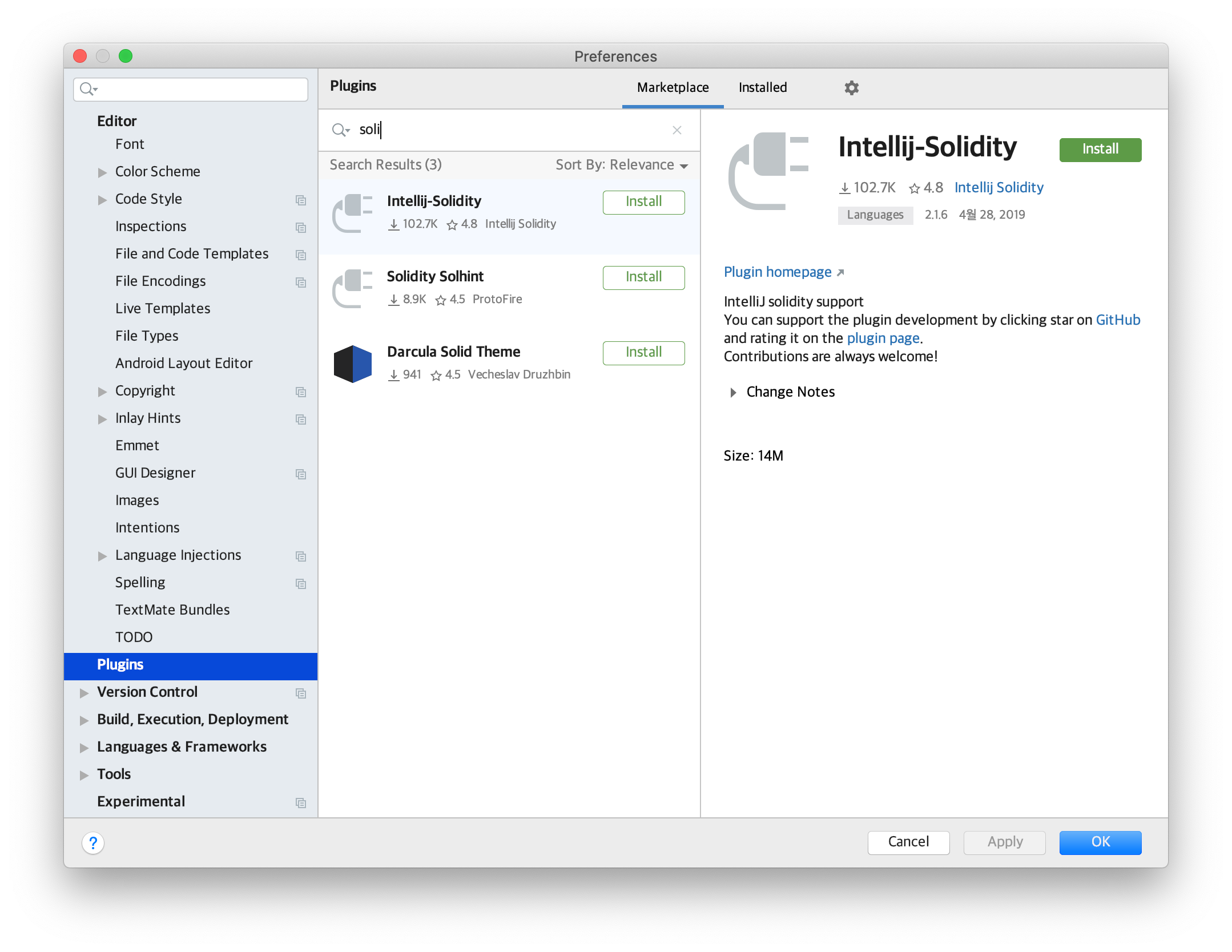
IntelliJ 에서 솔리디티 언어를 작성하려면 플러그인 다운로드 필수
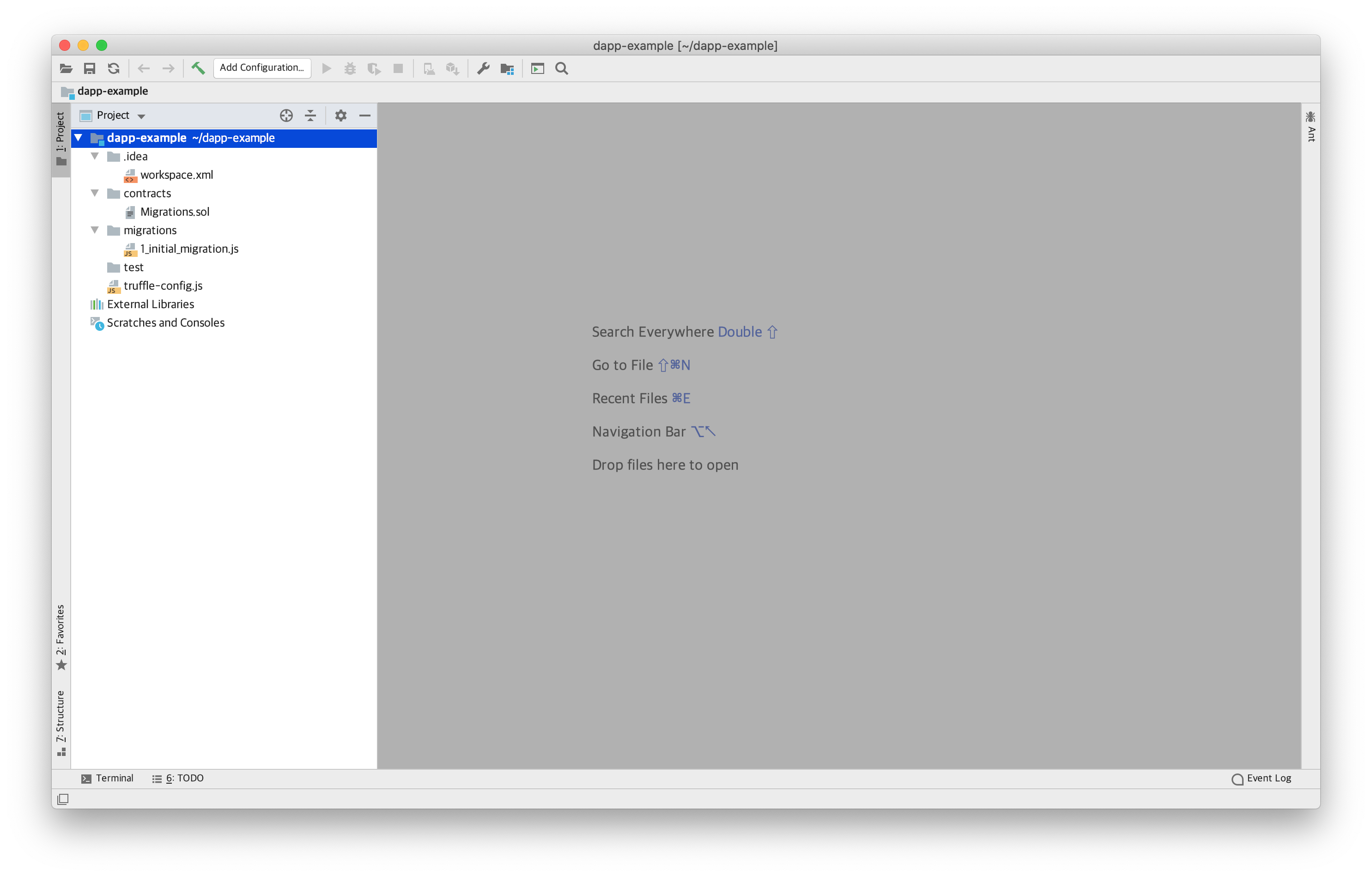
[File] - [Open] - dapp-example 폴더 선택
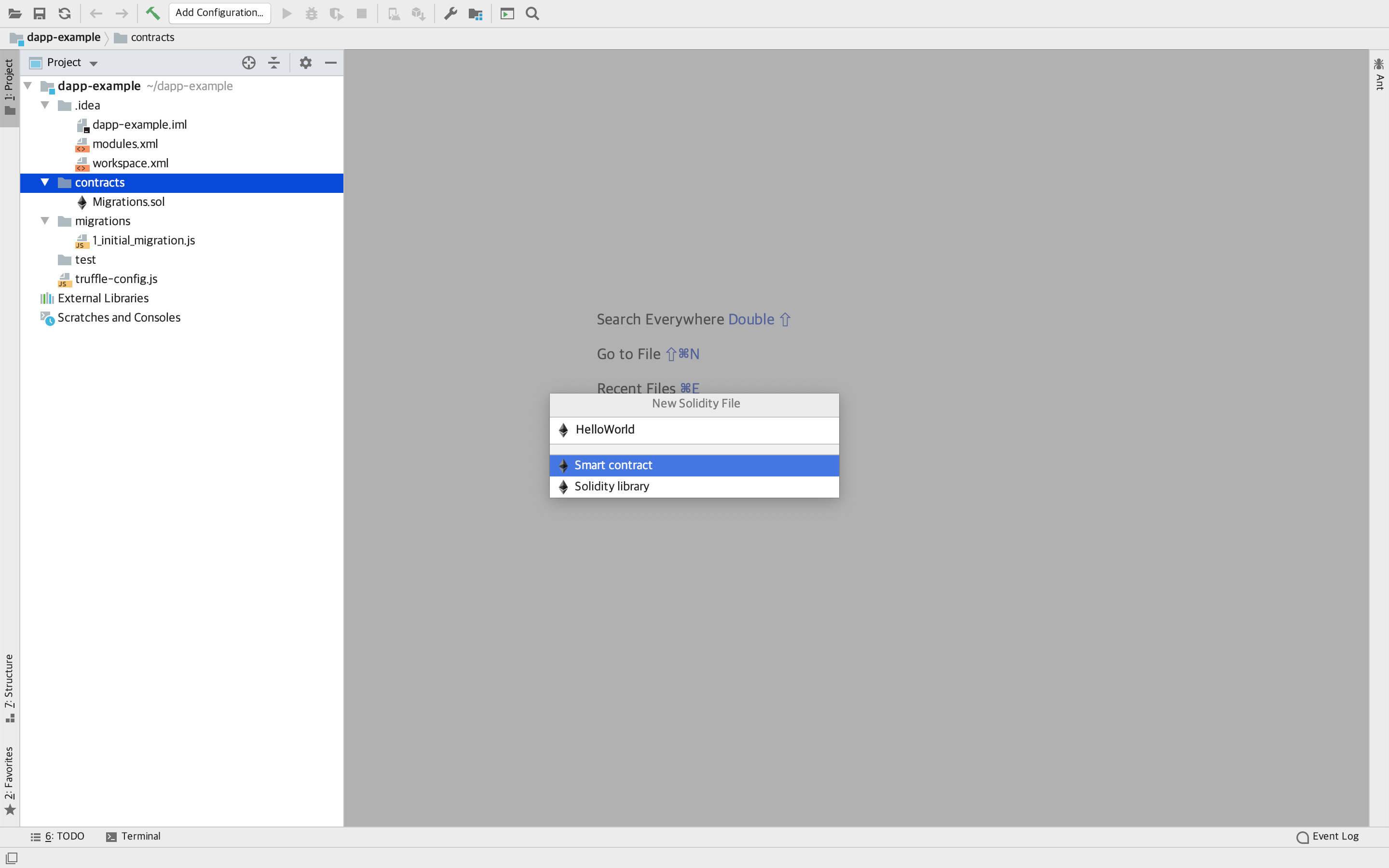
[contracts]에 HelloWorld 솔리디티 파일 만들기
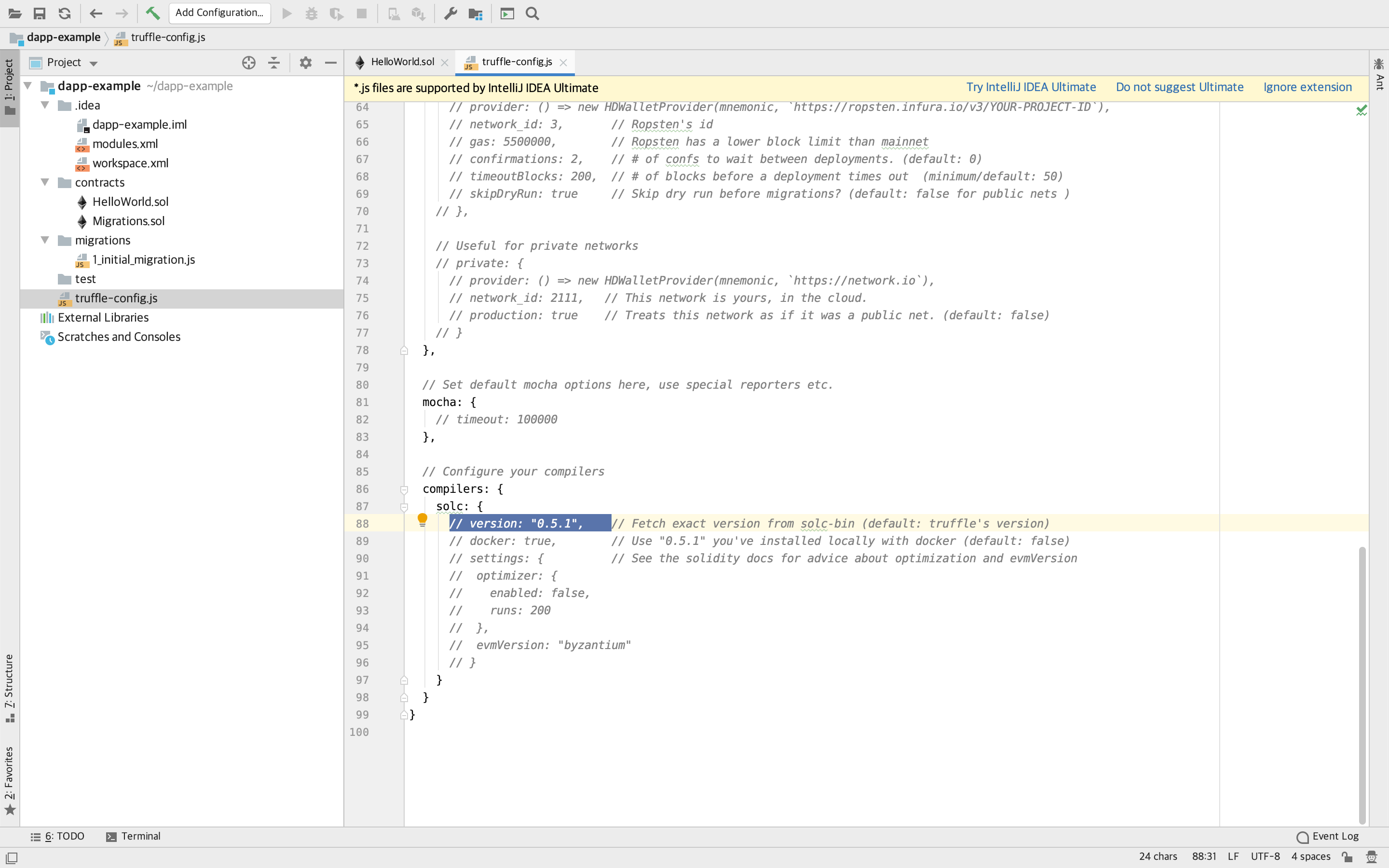
HelloWorld.sol 솔리디티 컴파일러 버전 을 0.5.8 로 변경
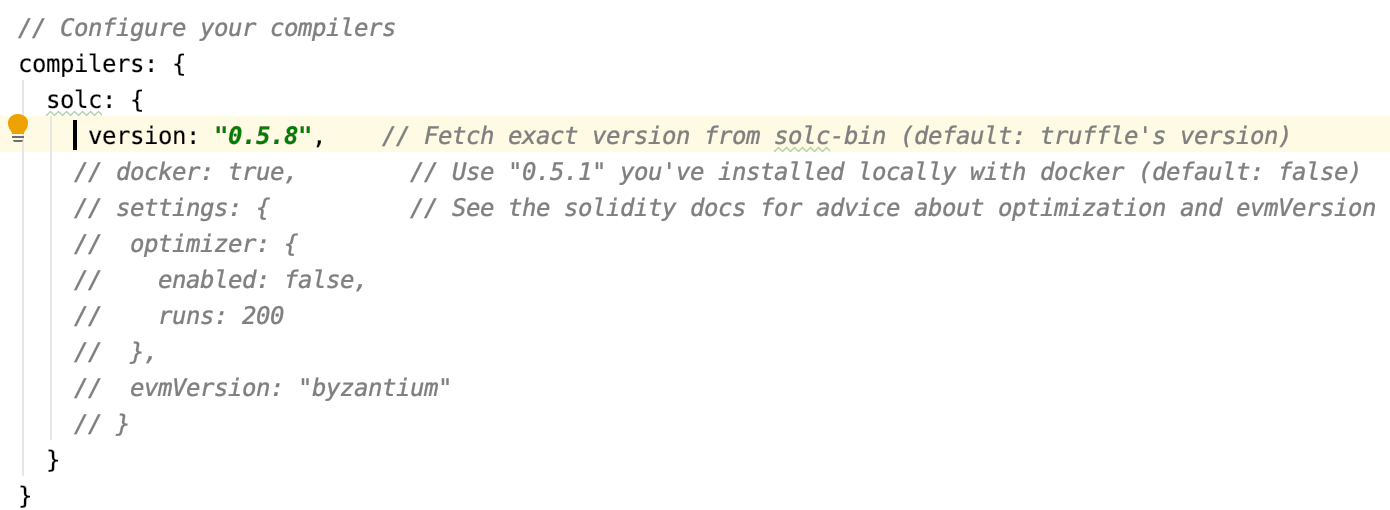
HelloWorld.sol 작성
pragma solidity ^0.5.8;

contract HelloWorld {
    string public greeting;

    constructor(string memory _greeting) public {
        greeting = _greeting;
    }
    function setGreeting(string memory _greeting) public{
        greeting = _greeting;
    }
    function say() public view returns(string memory){    //출력
        return greeting;
    }
}

//terminal
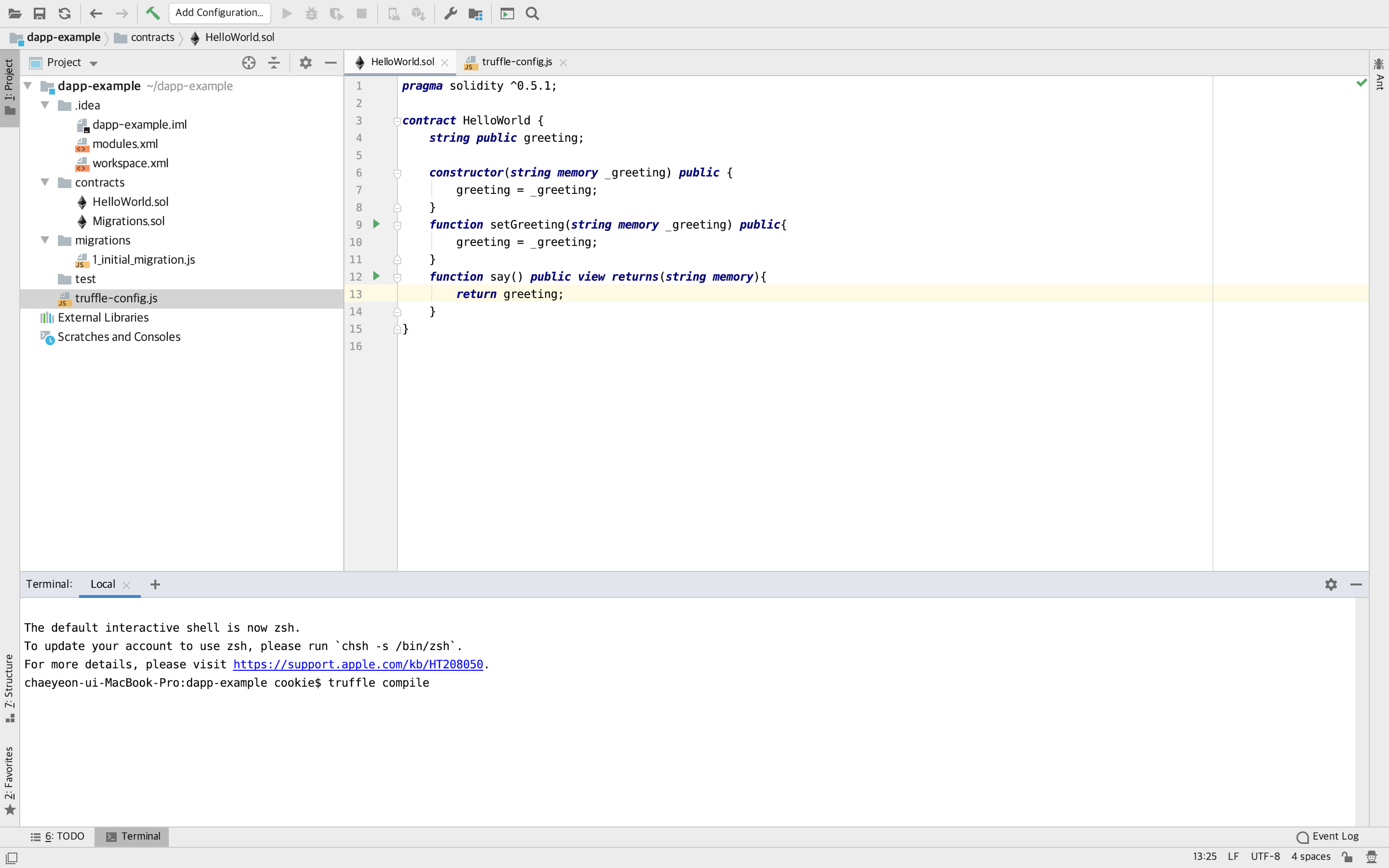
$ truffle compile     //contracts에 있는 파일 모두 컴파일
truffle compile 오류 추가 (20.04.13)
truffle로 dapp-example를 truffle init까지 해서 파일 생성했으나 truffle compile 명령어 수행 시 bash: truffle: command not found 오류 발생
- 해결방법 참고 사이트
- 최신 버전의 npm 및 노드가 설치되어 있는지 확인 후 npm과 노드를 최신 버전으로 업데이트
npm install -g truffle
- 최신 버전의 npm 및 노드가 설치되어 있는지 확인 후 npm과 노드를 최신 버전으로 업데이트
HelloWorld.sol 컴파일
compile -> .json 파일 자동 생성
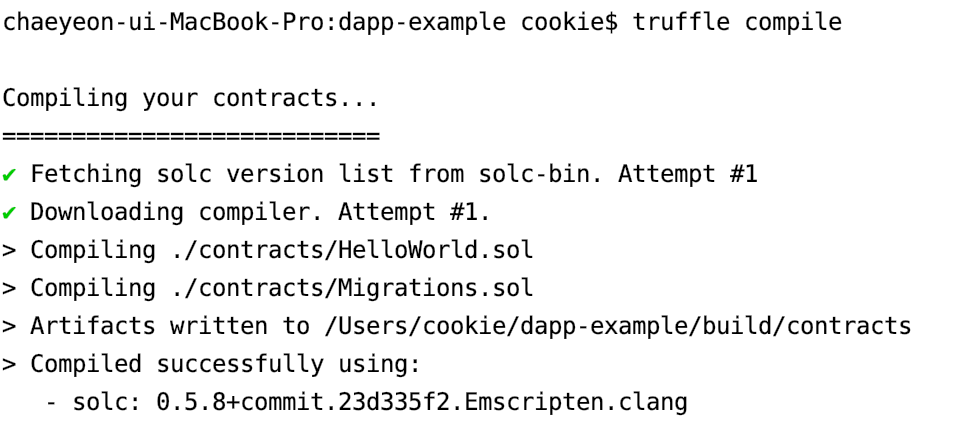
json 파일에서 중요 부분은 abi , bytecode , deployedBytecode
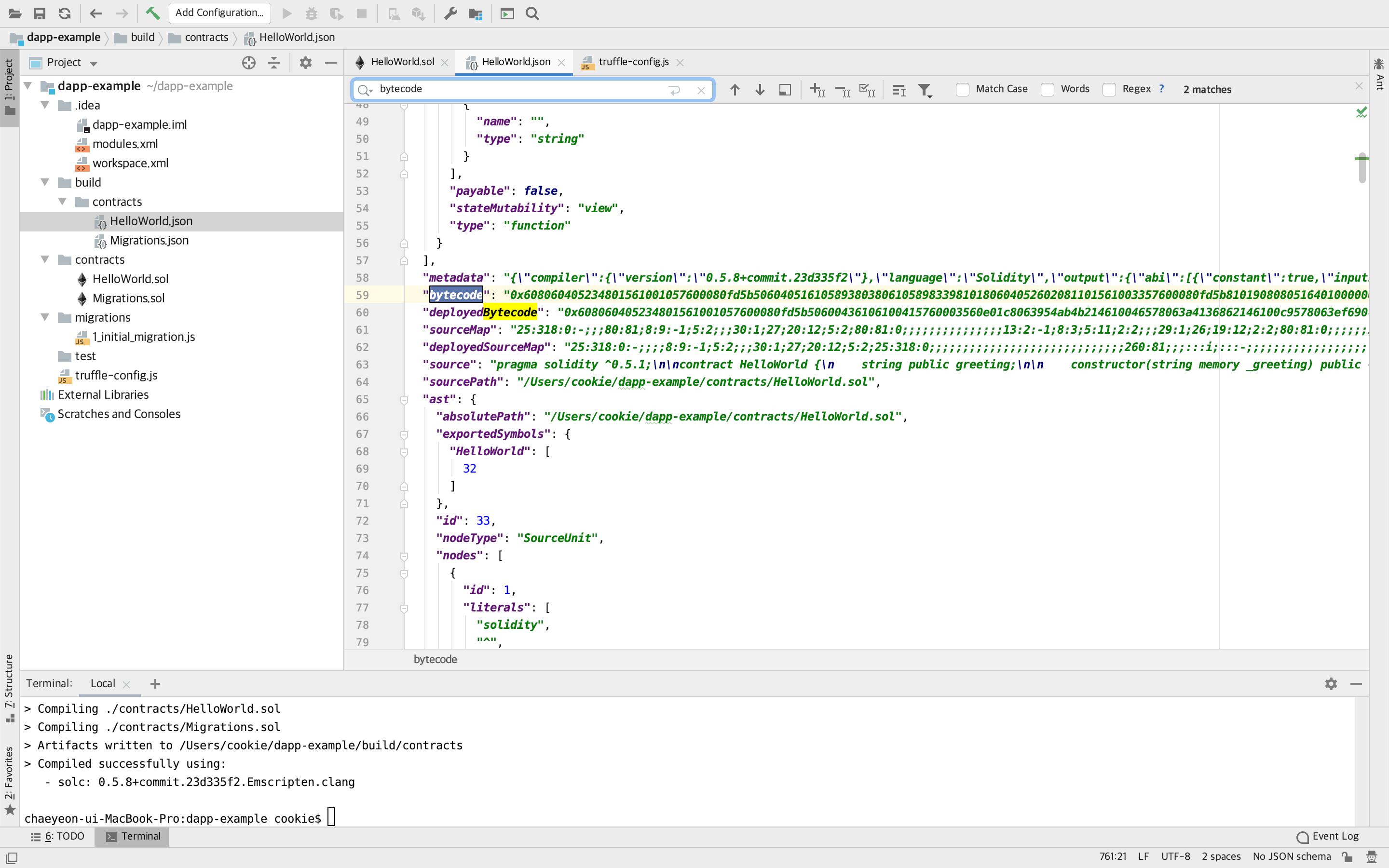
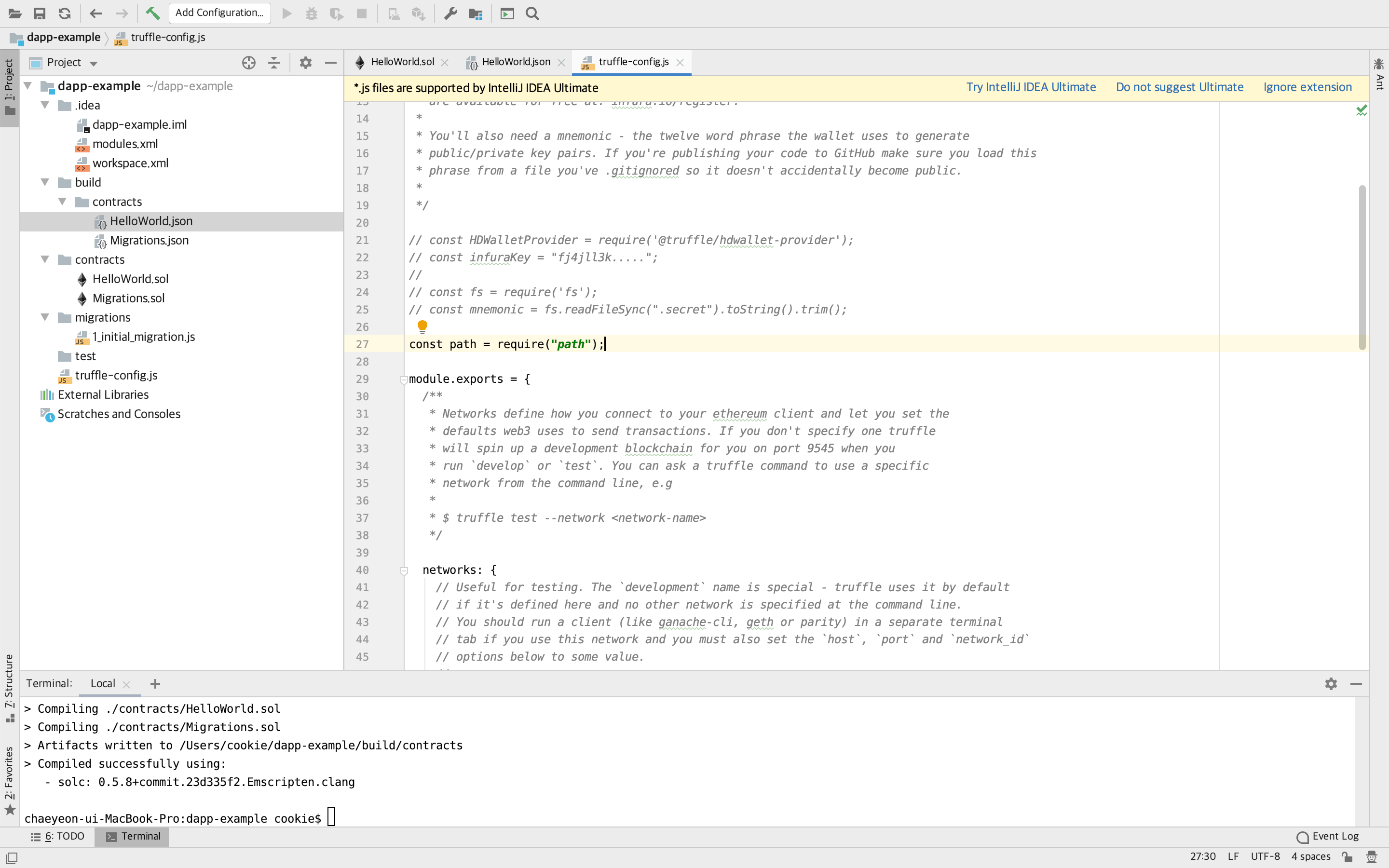
truffle_config.js 에 path 지정
const path = require("path");
contracts_bulid_directory: path.join(__dirname, "client/src/contracts"),
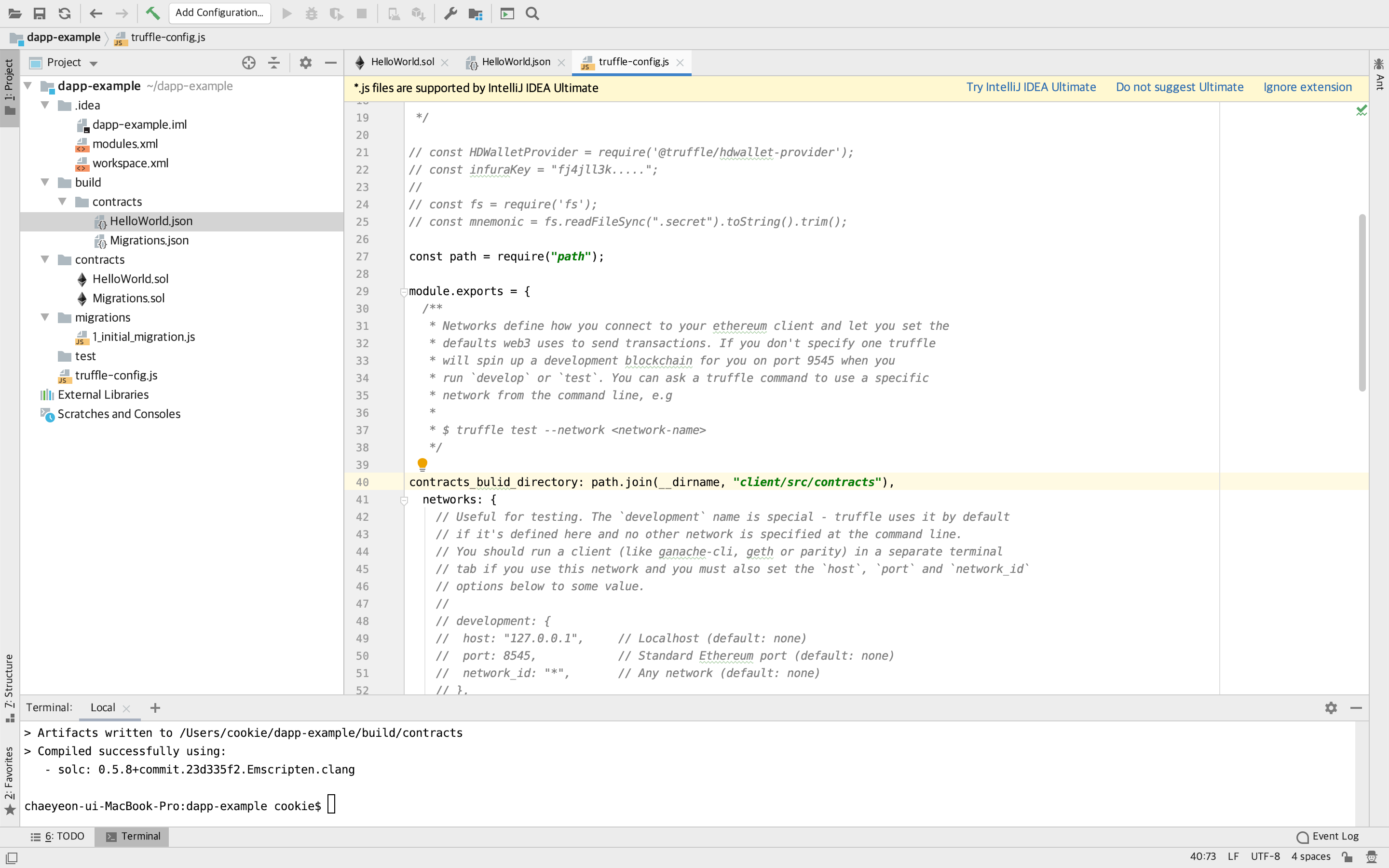
다시 터미널에서 compile 하면 지정한 위치 에 컴파일 결과가 저장 되는 것을 확인할 수 있다.
$ truffle compile --all
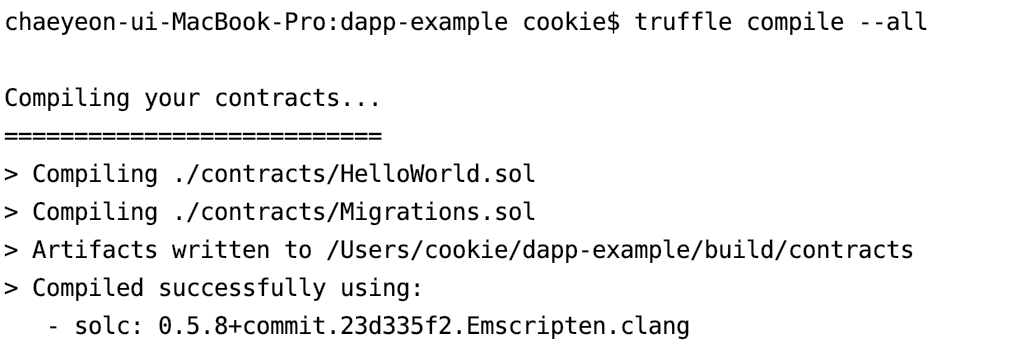
path를 따로 지정하지 않고 default값인 경우에 저장 경로
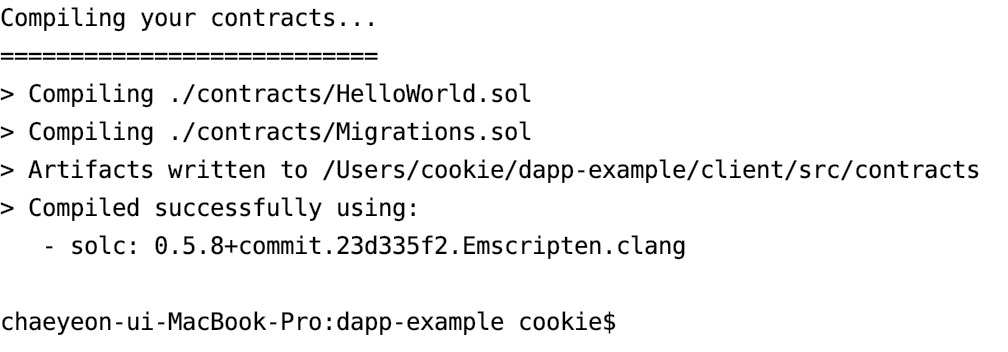
path를 지정해줬을 경우의 파일 저장 경로